
Track a JD.com order from seller dispatch to China warehouse receipt, match split parcels correctly, and know what to check before international forwarding.
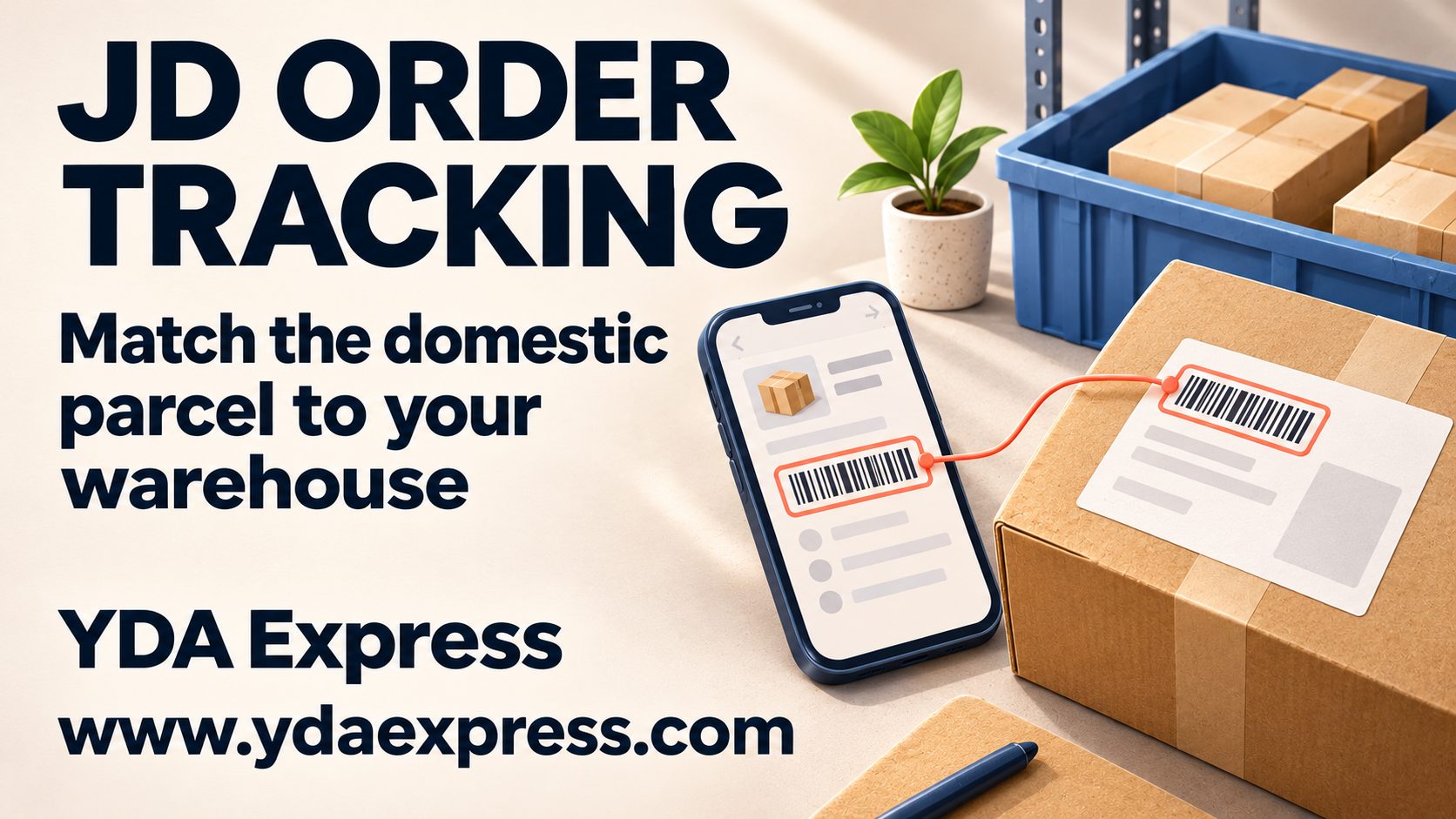
A JD.com order usually has two separate journeys when you use a China warehouse: the seller’s domestic delivery to the warehouse, followed later by the international shipment you arrange. Track these stages separately. First confirm that JD shows the order as dispatched, then record the domestic courier number and make sure the warehouse can match the parcel to your account.
This guide is for overseas buyers who can place a JD.com order themselves and send it to a China forwarding warehouse. If you are still deciding between direct delivery and forwarding, start with how to buy from JD.com overseas.
The three records you should not confuse
One purchase can create several references:
- JD order number: identifies the commercial order in your JD account.
- China domestic tracking number: follows the seller’s parcel to the China warehouse.
- International tracking number: is created only after the warehouse prepares and dispatches the overseas shipment.
The JD order number is useful when speaking to the seller or JD customer service, but a forwarding warehouse normally needs the domestic courier number to identify the physical parcel. Your international number will not exist while the goods are still travelling inside China.
JD’s official Help Center provides order details and delivery progress under My Orders. The exact labels and available actions can vary by seller, fulfilment route, account and current interface, so use the status shown on your own order as the final reference.
Step 1: Confirm that the seller has actually dispatched the order
Open the order details rather than relying on a payment notification. Check:
- whether every item has shipped;
- whether one order was split into multiple parcels;
- the seller or fulfilment party;
- the domestic carrier and tracking number; and
- the China delivery address shown on the order.
“Order placed” or “payment completed” does not mean a parcel is already moving. If the order remains unshipped beyond the seller’s stated handling time, contact the seller through JD before asking the warehouse to search for it.
If the order is blocked before dispatch because of an address or payment problem, use the separate guide to JD.com checkout errors.
Step 2: Save every domestic tracking number
Copy the tracking number from the order details when it becomes available. Take a screenshot showing the order, seller and tracking number, especially when:
- several sellers are included in one checkout;
- the seller ships items separately;
- the tracking number is replaced after handover to another courier; or
- the recipient name does not clearly include your warehouse customer code.
Do not assume that one JD order always equals one box. A split shipment can produce two or more warehouse arrivals. The opposite can also happen: several items may be packed into one parcel.
Step 3: Match the parcel to your warehouse account
Use the exact recipient name, phone number, customer code and China warehouse address assigned to you. A domestic courier status such as “signed” only confirms delivery at the address recorded by the carrier. It does not automatically prove that the parcel has already been identified and posted to your forwarding account.
When your forwarding service asks for an incoming-parcel forecast, submit:
- the domestic tracking number;
- the platform or seller name;
- a short product description;
- expected quantity; and
- your customer code.
This information helps the warehouse distinguish your box from many similar arrivals. The China warehouse receiving guide explains what normally happens after a domestic parcel reaches the facility.
What common tracking situations mean
The order is paid but there is no tracking number
The seller may still be preparing the goods, waiting for stock or arranging a carrier. Check the promised dispatch information on the order and contact the seller if it passes without an update.
The parcel is moving but the route looks indirect
Domestic courier routes are designed around sorting hubs, not a straight line on a map. An intermediate city is not automatically a problem. Focus on whether scans continue and whether the delivery address is correct.
JD shows delivered, but the warehouse account has no parcel
First compare the carrier’s delivery time, receiver information and tracking number with your forecast. Warehouse receiving and account posting are separate steps, so a short processing interval can occur. If the record still does not appear after the warehouse’s stated receiving window, provide the tracking screenshot, order number, product description and customer code for investigation.
The warehouse recorded a parcel you do not recognise
Do not request international dispatch immediately. Compare the sender, domestic number, weight, photos and expected purchases. Ask the warehouse to hold the parcel while the source is confirmed.
Part of the order is missing
Check whether JD created multiple tracking numbers or whether the seller marked an item for later shipment. Contact the seller about items that never left its fulfilment process; contact the warehouse about a parcel that the domestic carrier shows as delivered to the correct address.
Decide who should solve the problem
Contact the JD seller or JD customer service when the item has not been dispatched, the domestic address is wrong, the order was cancelled, the product is missing before delivery, or the domestic tracking record is inconsistent.
Contact the China warehouse or forwarder when the carrier shows delivery to the correct warehouse but the parcel is not matched, the arrival record appears under the wrong account, photos show a visible mismatch, or you need consolidation and international route advice.
Contact the international carrier only after the forwarding shipment has been dispatched and an international tracking number exists. For that later stage, use the guide to tracking packages from China.
Before arranging international forwarding
After every expected JD parcel appears in your warehouse account:
- compare the recorded parcel count with all domestic tracking numbers;
- review available arrival photos for visible quantity, model or packaging differences;
- confirm that batteries, liquids, powders, magnets, branded goods or oversized products have an eligible route;
- decide whether to keep retail packaging;
- wait for other orders only if consolidation still makes sense; and
- provide accurate product descriptions and declaration values.
Package consolidation may reduce repeated base charges, but it is not automatically cheaper for every combination. Final cost depends on packed dimensions, actual or volumetric weight, destination, contents and available route.
A simple tracking checklist
Before asking anyone to investigate, prepare:
- JD order number;
- every domestic tracking number;
- seller name and product description;
- screenshot of the latest domestic scan;
- warehouse recipient name and customer code;
- expected parcel quantity; and
- date and time shown as delivered, if applicable.
These details let the correct party check the correct stage. The key is to separate the JD order, the domestic warehouse delivery and the later international shipment instead of treating them as one continuous tracking record.
📲 Download the YDA Express App
Use the YDA Express App to place China purchasing orders, view product check photos, manage packages, and arrange consolidation and international forwarding.