Choose a practical way to read Taobao product information in Japanese. Compare the Japan-facing TAO service with the original Taobao app and browser translation, then keep the exact Chinese option for confirmation.
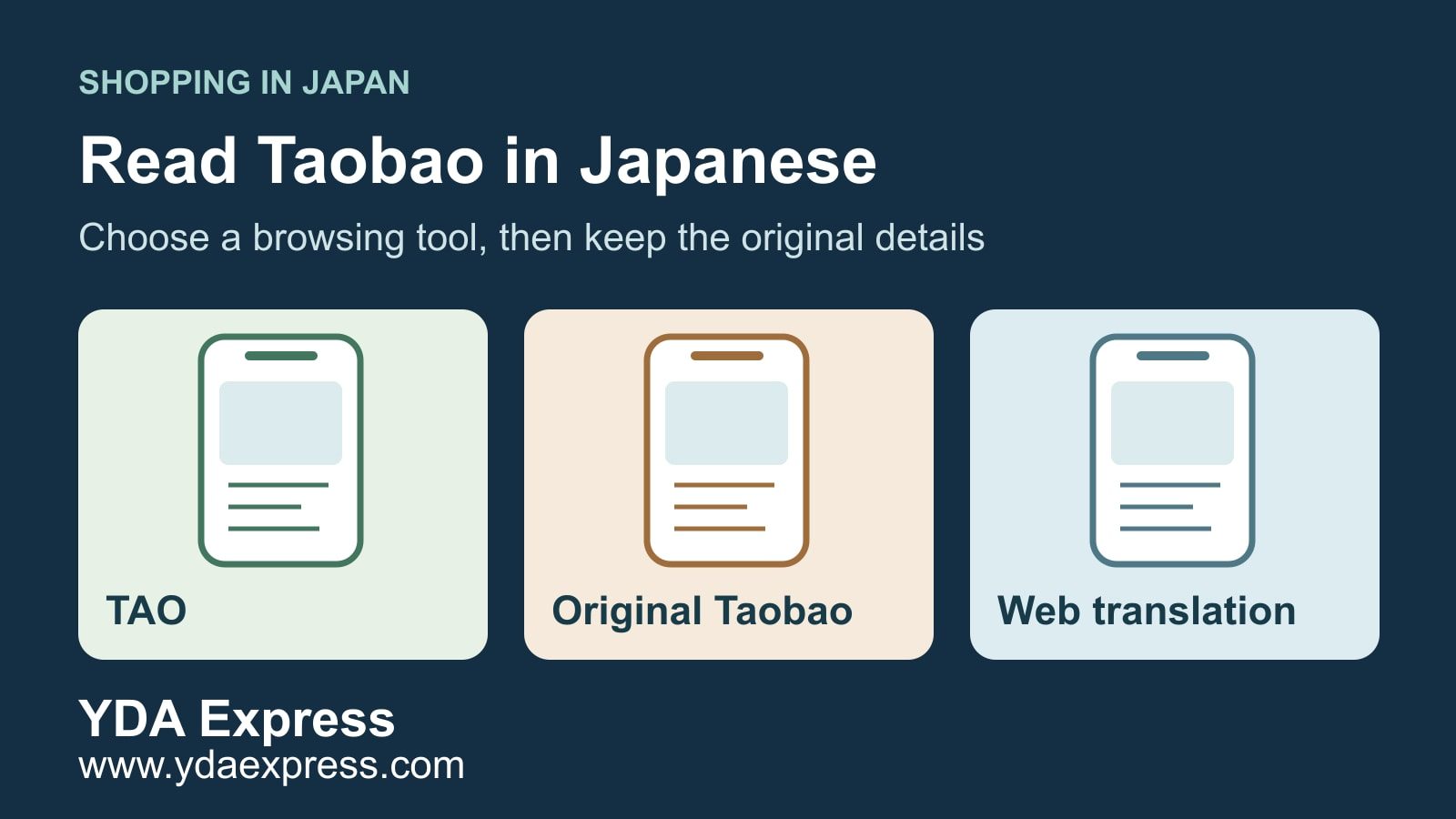
You can read Taobao product information in Japanese by translating the webpage, or use the separate Japan-facing TAO service. Choose according to whether you want to browse in Japanese or need one specific Taobao seller's offer. A translated page still needs its selected option checked in the original language.
Platform and translation information checked on 8 November 2026. App features can vary by version and account.
First, check which app you are opening
TAO is a separate shopping app for Japan, rather than a button that changes the original Taobao interface. On the date checked, TAO's Japan App Store listing included Japanese, while the original Taobao iOS listing did not list it. For Android or a different app version, check the language choices actually offered on your device.
If Japanese is absent, use another reading method instead of repeatedly searching for a hidden setting. Changing your phone's language or a delivery-country field should not be treated as proof that every product description has been translated. Keep your real destination details accurate.
There is also a product-selection difference. In its official Japan launch announcement, TAO described a range selected for Japanese customers. Treat a similar-looking TAO item as a separate offer: compare the seller, model and contents. Do not assume a Taobao link, basket or after-sales promise transfers unchanged.
Which reading method fits what you want to do?
You want to browse and choose in Japanese. Start with the official TAO Japan site. Check the actual listing and its current purchase and support terms. If it meets your needs, there is no need to switch to the original Taobao just because it has a similar name.
You already have a specific Taobao link. Keep that original link and seller identity. Use browser translation to understand the page, then return to the Chinese wording for the option you intend to order. Finding a lookalike elsewhere is a new comparison, not confirmation of the original offer.
The unclear part is a size chart, picture or seller reply. Translate that part separately and ask a precise question. A browser's page translation may leave image text, pop-ups or messages untranslated. If a crucial detail stays unclear, pause the order rather than selecting the closest-looking option.
Read the webpage in Japanese, then switch back to check
Copy the product's shared link into Chrome. On a computer, use the address-bar translation control and choose Japanese; on a phone, use the translation prompt or the menu's Translate command. Google's desktop instructions, Android instructions and iPhone instructions show the current controls.
If the link opens only in the app, asks you to sign in, or fails to load an option, use the official page or app's normal access process. Translation does not remove account requirements. Do not enter a password, payment details or a verification code into a third-party page claiming to unlock Japanese Taobao.
Read the translated description for context, then show the original before recording the selected option. Copy the Chinese wording as well as its Japanese meaning; a translated label alone can be difficult for a seller to identify later.
Make one product note before asking the seller
Keep this short note for each item:
- Original URL and shop name.
- Chinese text of the exact selected option, plus a screenshot.
- Your Japanese reading of that option.
- Quantity, model or measurements that matter to you.
- Any statement about what is included or excluded.
- The one point still needing the seller's answer.
For example, the illustrative phrase 不含配件 means accessories are excluded. If the photo shows several accessories, ask which pieces come with your selected option. The photo does not settle that question.
Other words worth retaining are 规格 for the product option or specification, 预售 for a preorder, 定金 for a deposit and 尾款 for the remaining balance. Seeing one of these should prompt you to check the seller's full terms; it does not establish a universal price, dispatch date or refund rule.
A message you can adapt is:
请确认这个链接里我选的【复制规格原文】,数量【填写数量】,实际包含哪些物品?图片中的【填写配件】是否包含?如有预售或额外付款,请说明条件。
This asks the seller to confirm the original option, quantity, included accessories and any preorder or additional-payment conditions. Fill in the brackets before sending it, then keep the reply with the listing. If the reply refers to a different option, ask again before paying.
When reading is settled, move to the next task
If you can manage the original Taobao account and understand the confirmed offer, follow the direct Taobao ordering guide. Once you need a delivery decision, use the separate Japan direct-delivery and consolidation comparison. Changing the display language does not choose a shipping route.
For a purchasing request, YDA Express can help relay specific questions to a Chinese seller and agree what visible details should be checked at the warehouse. Send the original link, selected Chinese option and the unresolved question. YDA cannot guarantee the seller's claims, authenticate goods through translation or treat a Japanese description as permission to import. For an order placed through TAO, use that order's official support channel.
Before purchase, resolve unclear specifications. If goods later reach a China warehouse, compare the actual item with the saved option before approving dispatch. Platform terms, Japanese import rules and carrier conditions can change; recheck the requirements for the actual product and available route before shipment.
📲 Download the YDA Express App
Use the YDA Express App to place China purchasing orders, view product check photos, manage packages, and arrange consolidation and international forwarding.