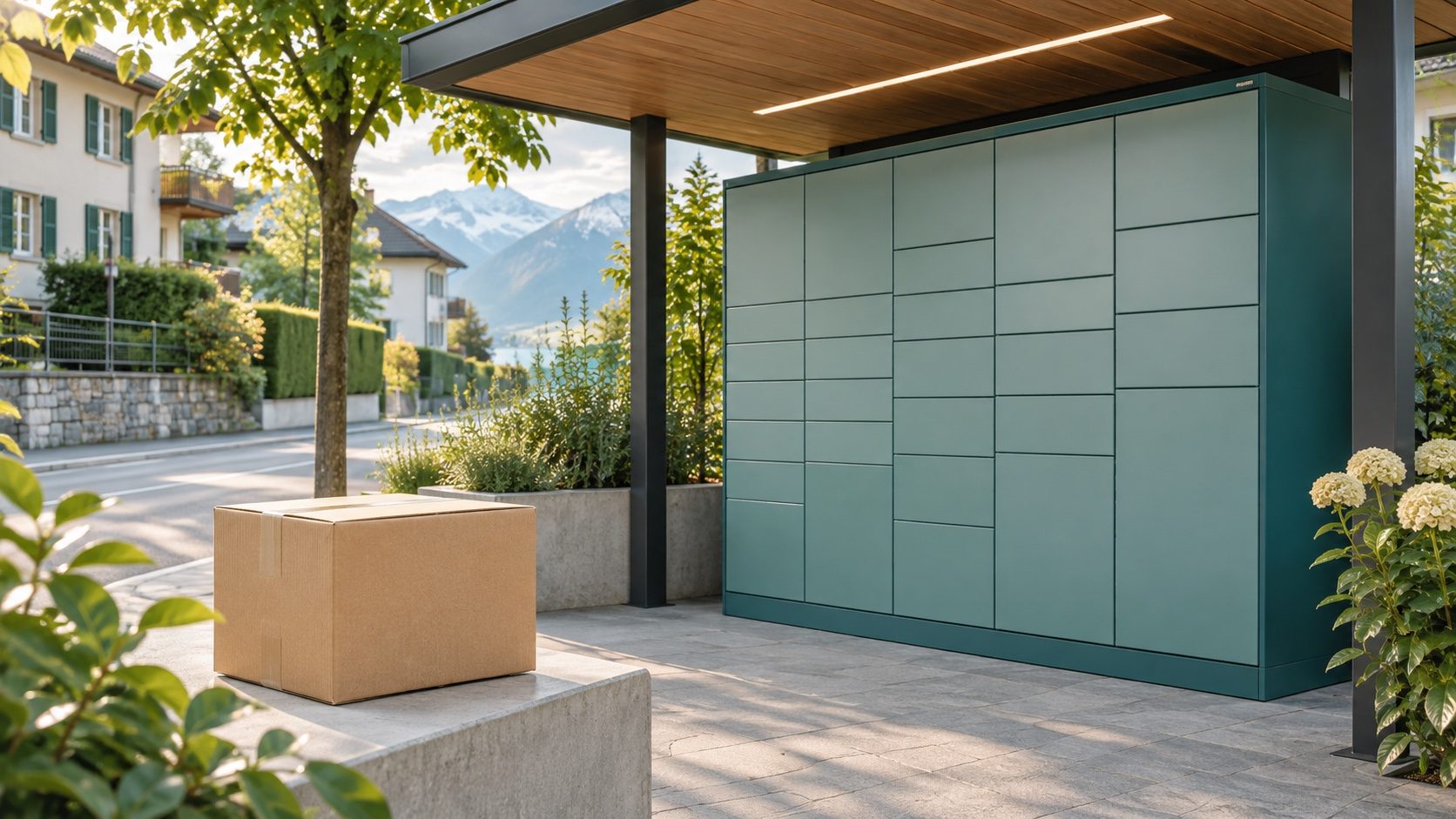
Check the Swiss delivery service, recipient account and packed parcel before choosing My Post 24 or PickPost. Then copy the selected location's addressing instructions.
A parcel from China can use My Post 24 or PickPost only when the actual delivery service and recipient meet Swiss Post's conditions. Having a Swiss address, or buying from a seller who ships internationally, does not establish that. Confirm who will deliver the parcel in Switzerland before sending a locker or collection-point address to the seller or warehouse.
Service conditions checked: 8 November 2026.
First question: who delivers the parcel in Switzerland?
Ask the sender or forwarding provider: “Will Swiss Post deliver this exact service, and can it accept a directly addressed My Post 24 or PickPost consignment?” Ask about the service quoted for your parcel, rather than the provider's other routes.
Swiss Post accepts eligible international consignments at these locations when Swiss Post performs delivery. Its PickPost conditions exclude delivery by other companies, including DHL, DPD, FedEx and UPS. Courier and certain express services are excluded too. “Postal”, “express” or “tax included” in a quote is not enough to identify an eligible service.
If the answer is unclear, keep the consignment on hold while the provider checks. Use an ordinary address supported by the selected route if pickup eligibility cannot be confirmed.
For Taobao or Pinduoduo purchases delivered to a China warehouse first, keep the two addresses separate. The seller needs your assigned China warehouse address; the Swiss pickup address concerns the later international leg. With a 1688 order, tell the provider if the shipment is business stock: a private recipient's pickup service should not be assumed suitable for a company delivery. Our Switzerland buying comparison covers the purchasing decision separately.
Your account may settle the question before parcel size does
These services are intended for private individuals resident in Switzerland. The PickPost and My Post 24 terms also specify registration in My Post, the required domicile check and a Swiss-registered mobile number. Do not use a relative's User ID as a substitute for your own registration.
Open My Post → Address and receiving mail → PickPost and My Post 24. Find your User ID and finish the verification required for your chosen service before dispatch. My Post 24 uses a posted confirmation code for the domicile check. If the portal still requires a step, complete it rather than relying on having already received an ID.
Check how your selected terminal works. A My Post 24 terminal without a screen requires the Post-App, a fully verified login and notifications through My consignments. A terminal with a screen operates differently. Make sure you can receive the collection message and use the required device before choosing the location.
Decide between a staffed point and a locker for this parcel
PickPost may suit a parcel you want to collect from a staffed access point. Check the location's opening hours and collection requirements. Swiss Post asks for the consignment number and valid official identification. Do not plan collection by another person without checking the rules for that particular type of access point.
My Post 24 may suit a parcel you can collect using the terminal's required screen or app. Swiss Post lists parcels up to 30 kg among accepted consignments, but the packed carton must also fit the relevant compartment. The My Post 24 service page distinguishes terminal types and excludes oversized consignments, courier deliveries and certain other services.
Get the final packed measurements, not only a seller's product dimensions. A light item can become too large after protective packing. If a compatible compartment is unavailable or the terminal has a fault, the parcel may go to another collection location; the requested locker is not guaranteed.
Pickup does not remove import charges. At My Post 24, charges due on collection must be settled directly using the supported cashless method; they cannot be deferred. Check the current terminal or app payment options before depending on it. This is a collection condition, not an estimate of your Swiss tax bill.
Copy the location's addressing instructions last
Once the service, account and parcel pass those checks, open Swiss Post's location search. Select the exact access point and its addressing information. Copy those details rather than adapting its map label or an old example.
The address needs your name, the service keyword and your User ID, the location's address, and its postcode and town. Follow the displayed spelling. Keep the service keyword and ID together in the additional address field where available. For a form with only three address lines, Swiss Post says to put your first and last name together in the “First name” field, then put the service keyword (“My Post 24” or “PickPost”) and your own User ID in the “Last name” field. Keep the location address, postcode and town as shown in its addressing instructions, and ask the sender to verify the printed label before submitting the shipment.
Ask to see the complete recipient address that will be printed. If the seller's form rejects it or drops the additional line, stop and resolve that field problem. Do not invent a house number, replace your ID with a tracking number, or use an obsolete P.O. Box address. Incorrect addressing can lead to a return under Swiss Post's terms.
Already dispatched? Check the available option in My consignments
Swiss Post says an eligible home-addressed parcel can be redirected individually through My consignments while it has not yet been sorted. This is an available-service check, not a promise that every parcel can be changed. If the option is absent, contact Swiss Post with the actual consignment details. Do not assume that changing a saved address in a shopping or forwarding account changes a label already in transit.
Follow the collection notice for the actual location and deadline. If the parcel was moved from your chosen locker, go to the location in that notice.
What to send YDA Express before approving dispatch
Send the proposed Swiss pickup point and service, your recipient details, product description, any battery or liquid content, and whether the goods are for personal use or business. Ask for confirmation of the quoted route's last-mile delivery and pickup eligibility after packing.
YDA Express can help compare available forwarding options and check the recipient details within the agreed service. It cannot verify your Swiss Post account, change Swiss Post's acceptance rules or guarantee delivery to a particular compartment. If you are arranging your first shipment from a China warehouse, the forwarding walkthrough explains the separate arrival, packing and dispatch approvals.
Pickup eligibility is also separate from permission to import the goods. A locker-compatible carton does not establish that its contents can travel on the route or be imported. Check the actual items before purchase, review the received goods and packaging at the warehouse, and reconfirm the available route and current Swiss rules before release. Service conditions, import rules and charges can change after the date above; pause dispatch while an unresolved item or delivery requirement is checked.
📲 Download the YDA Express App
Use the YDA Express App to place China purchasing orders, view product check photos, manage packages, and arrange consolidation and international forwarding.